How to Log Into Sky AI
Welcome to Sky AI, you are about to embark on a seamless digital experience packed full of features and benefits designed to enhance your journey – but first, you will need to sign in.
Step 1: Account Activation
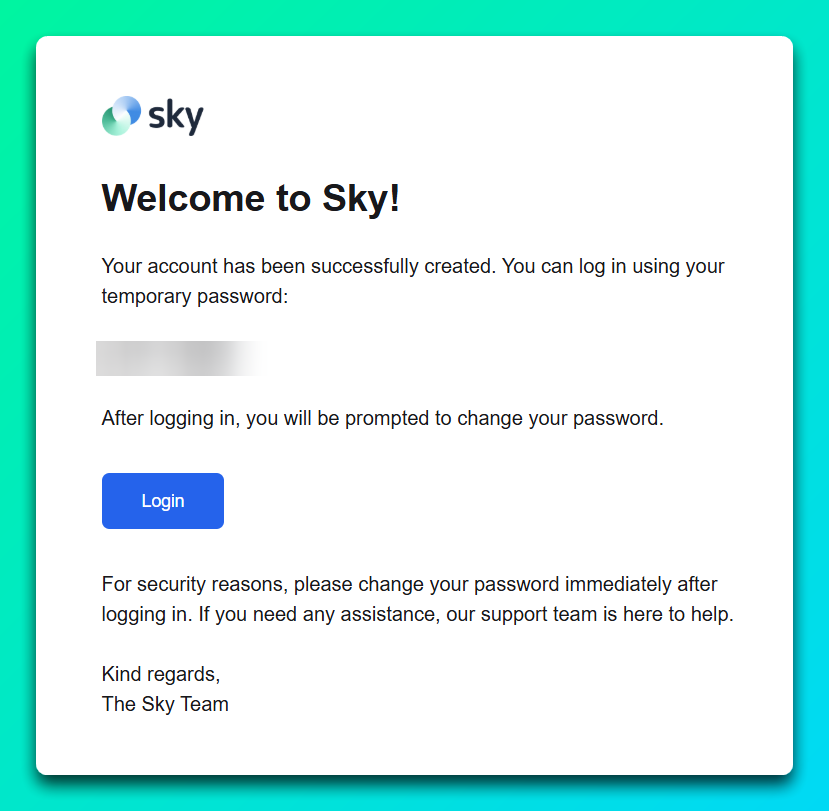
Depending on your organization’s structure, this step may be performed by your administrator.
You should receive an email indicating an account has been created for you, please ensure you check your Junk/Spam folders in the event it got delivered there.
Step 2: Create a new password
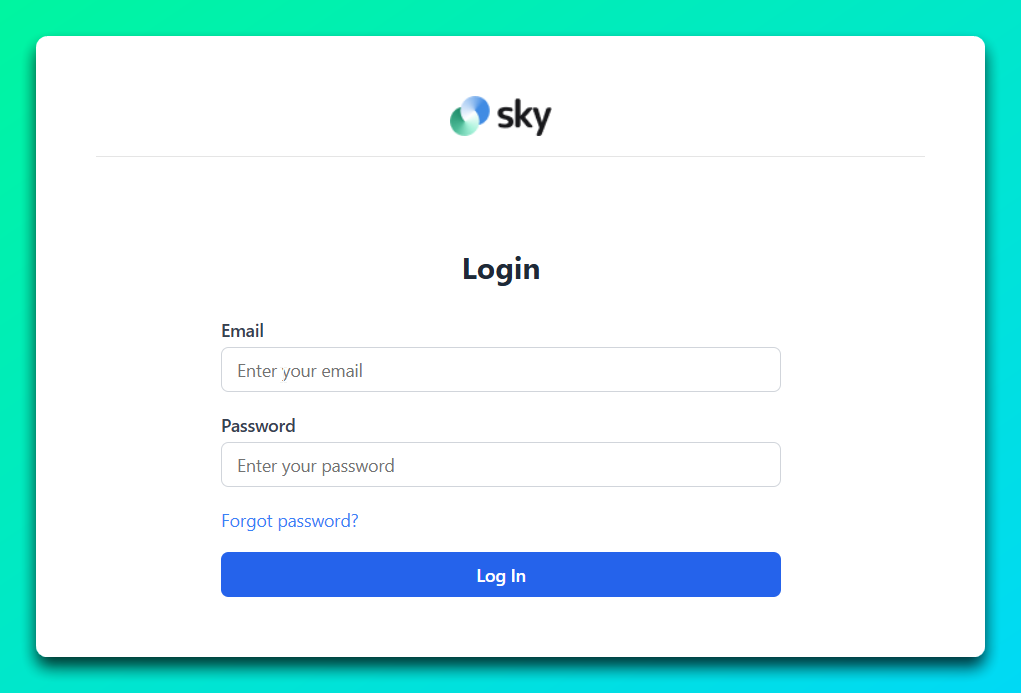
Selecting the Login button from your account activation email will take you to the login screen.
From there you will need to enter your email address and the temporary password listed in your email.
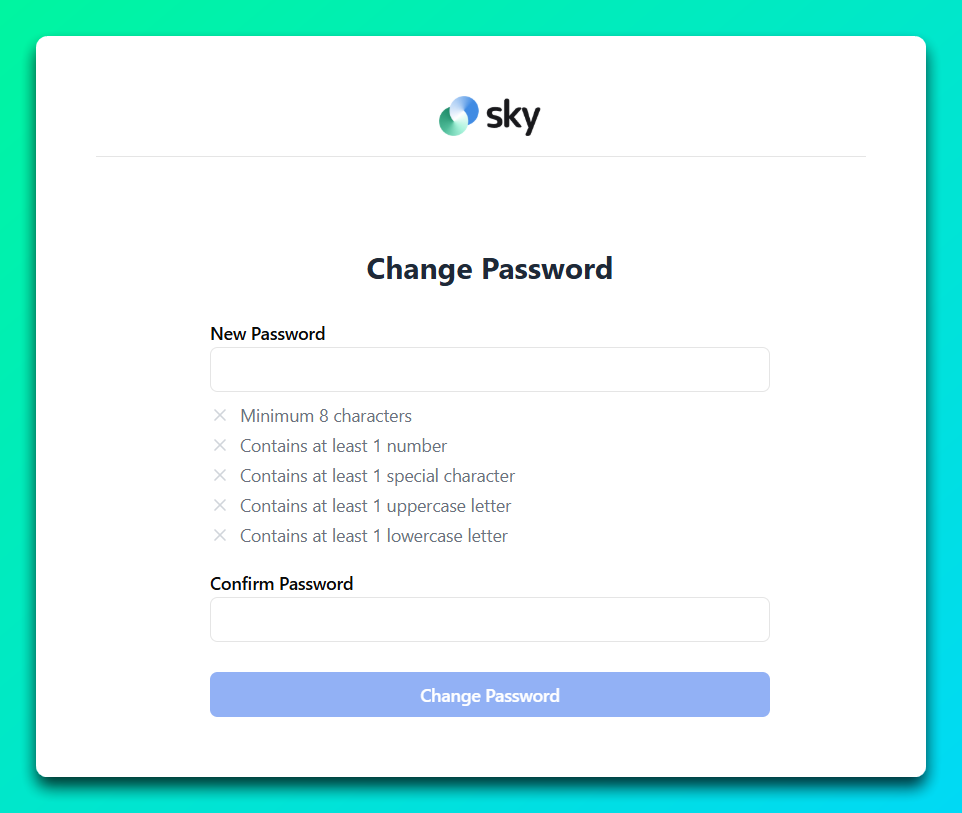
You will now have to select a new, secure password. Please adhere to the password requirements when creating your new password.
Step 3: Sign into Sky AI
Congratulations, you have successfully secured your account and are now able to access Sky AI at any time by navigating to the Sky AI login page.